Choosing the right digital marketing and optimization tools can feel overwhelming with so many options out there. Each platform promises cutting edge features and unique advantages while tackling everything from campaign management to next level experiment tracking. Whether you want more leads, sharper ads, or a smarter way to personalize your website, the right solution could make a real difference for your business. The following comparison looks at how different tools stack up in features, usability, and real world impact, giving you a fresh look at what is possible when you match the right technology to your marketing goals.
Table of Contents
- Click Thrive Marketing
- Optimizely
- VWO (Visual Website Optimizer)
- Unbounce
- Instapage
- Convert
- Google Marketing Platform
Click Thrive Marketing
At a Glance
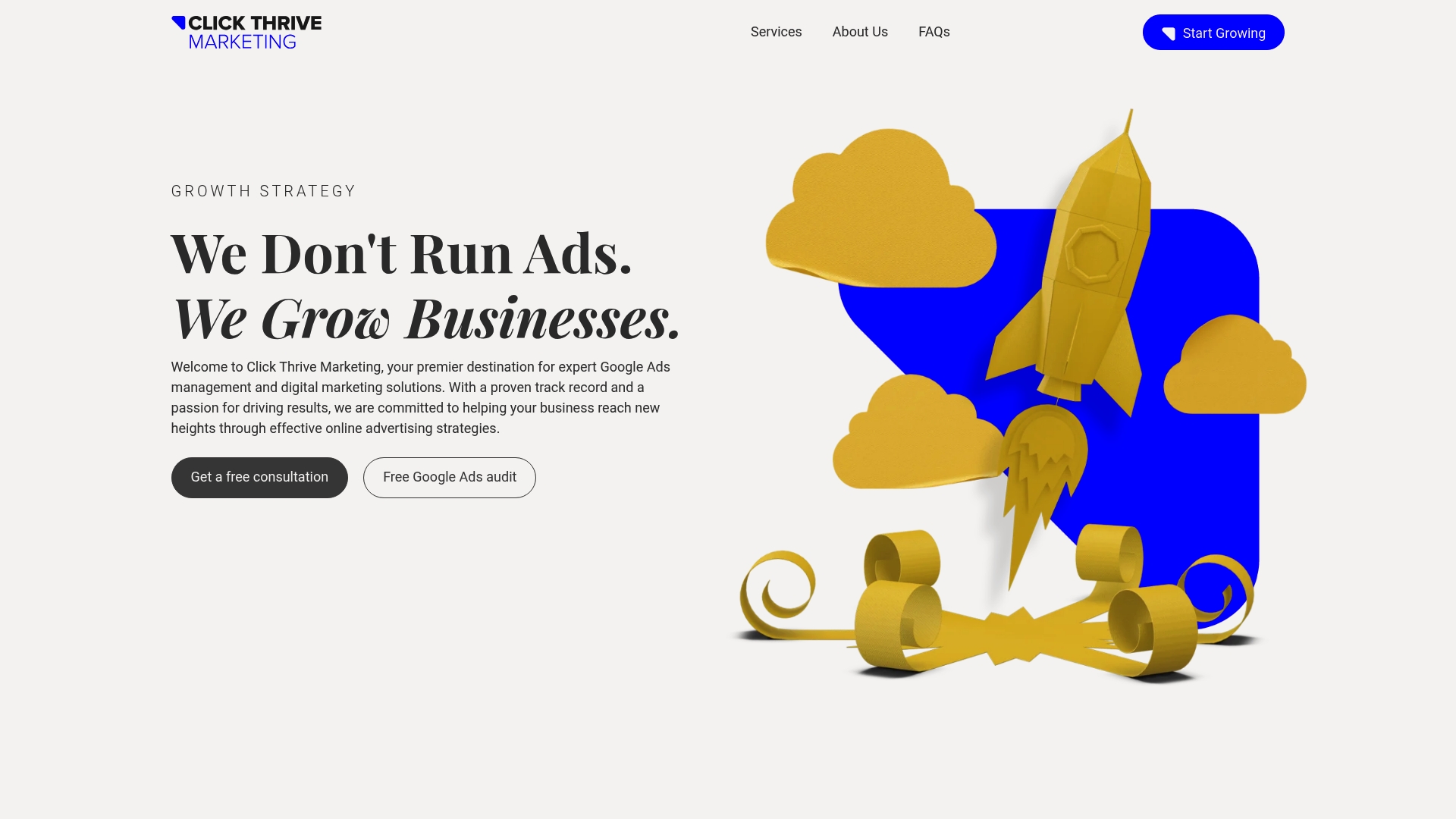
Click Thrive Marketing is a focused digital marketing agency that specializes in Google Ads management and lead generation for small and medium-sized businesses. With over $30 million in ad spend managed, the agency delivers measurable campaigns designed to maximize ROI while avoiding wasteful spend. If you need a partner who knows paid search deeply and can tie ads to real lead outcomes, Click Thrive is a high-confidence choice.
Core Features
Click Thrive provides end-to-end Google Ads management, including campaign setup and ongoing account maintenance, keyword management, and landing page optimization. The agency pairs call and form tracking with conversion-focused landing pages so you can attribute leads accurately. Services extend beyond search to integrated strategies combining Google Ads, SEO, and Facebook Ads, and new clients receive a free Google Ads audit and consultation to identify quick wins and structural issues.
Pros
- Click Thrive has extensive experience managing over $30 million in ad spend, which demonstrates scale and institutional know-how in paid search execution.
- The agency is recognized for excellence with multiple awards, including the British Travel Awards, which underscores its performance credentials in competitive verticals.
- Click Thrive offers custom strategies tailored to client needs, bringing deep industry insights that translate into focused campaign tactics rather than one-size-fits-all plans.
- The team has a proven track record of increasing leads and improving ROI, prioritizing measurable outcomes and efficient use of ad budgets.
- Click Thrive provides comprehensive digital marketing services, including SEO and social media, enabling a coordinated approach to increase visibility and lead generation.
Who It’s For
Click Thrive Marketing is ideal for business owners and marketing managers who need expert Google Ads management and a data-driven path to grow leads. It serves small to large businesses, local service providers, and companies that want integrated paid-search campaigns tied to landing page and tracking improvements. If you prioritize measurable lead generation and want to scale ad spend responsibly, Click Thrive fits your profile.
Unique Value Proposition
Click Thrive’s advantage is deliberate specialization: deep expertise in Google Ads backed by a sizeable track record of real spend and results. Managing over $30 million in ad spend gives the agency a practical edge in bidding strategies, account structures, and optimization rhythms that many generalist shops lack. The free Google Ads audit accelerates value by surfacing inefficiencies quickly. Any perceived limitation—such as a primary focus on Google Ads—is a conscious design choice that prioritizes conversion-driven paid search performance and minimizes scattershot marketing efforts. That focused approach often produces faster, clearer ROI compared with broader but shallower vendor offerings.
Real World Use Case
A local service-based business used Click Thrive to increase Google search visibility and appointment bookings. Click Thrive implemented targeted ad campaigns, optimized landing pages, and set up call and form tracking to tie spend to booked appointments, resulting in a clearer cost-per-acquisition picture and steady lead growth.
Pricing
Pricing is not specified on the site, but Click Thrive offers a free Google Ads audit and consultation to evaluate needs and scope pricing based on tailored strategies.
Website: https://clickthrivemarketing.com
Optimizely
At a Glance
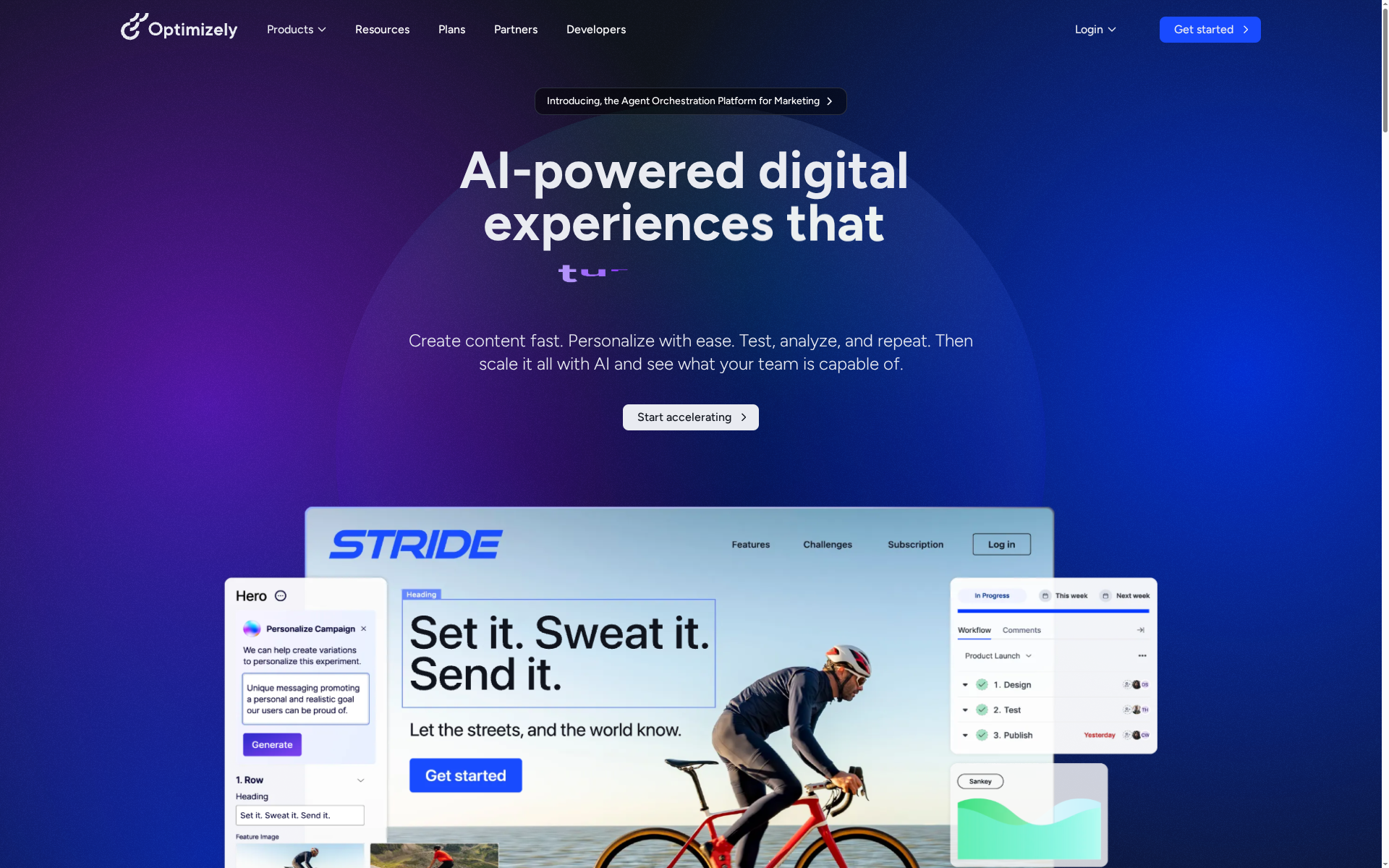
Optimizely is an all-in-one digital experience optimization platform built for teams that need experimentation, personalization, content, and commerce capabilities in one place. Its AI-driven personalization and robust analytics help marketing and development teams iterate faster and focus on outcomes, not just hypotheses. That said, the platform’s breadth means it can feel complex at first and pricing requires a direct request, which can slow evaluation for smaller businesses.
Core Features
Optimizely combines experimentation and A/B testing tools with an AI-driven personalization engine, a content management system, and digital asset management—all tied to analytics and insights. The toolset supports content experimentation and feature release management while enabling audience targeting and real-time personalization. Integrations with various apps and workflows let teams stitch Optimizely into existing stacks so experimentation, content, and commerce work together rather than in isolated silos.
Pros
- All-in-one digital experience platform: Optimizely brings testing, personalization, content, and commerce under one roof so teams avoid juggling multiple point solutions.
- AI-powered personalization: The platform leverages AI to tailor experiences for different audiences, helping marketers deliver more relevant content.
- Robust analytics and reporting: Built-in analytics give teams the data they need to measure experiment results and tie changes to business impact.
- Integrates with numerous apps and tools: The ability to connect with existing workflows reduces friction when adopting the platform.
- Supports various digital experience needs: From content management to commerce features, Optimizely covers multiple stages of the customer journey.
Cons
- Pricing details are not explicitly provided on the website: You must request pricing, which makes quick budget comparison difficult.
- May require technical expertise to fully utilize all features: Some capabilities assume developer involvement or advanced configuration.
- Complex with many features, which could overwhelm new users: The platform’s scope can create a steep learning curve for teams new to experimentation and integrated content workflows.
Who It’s For
Optimizely is best suited for marketing teams, content managers, ecommerce managers, and developers who want a unified solution to optimize digital customer experiences with AI capabilities. If your organization runs frequent experiments, personalizes experiences across segments, and needs content and commerce tools to work together, Optimizely is a strong match.
Unique Value Proposition
Optimizely’s unique value lies in combining experimentation, personalization, and content management into a single platform powered by AI. That combination lets teams test ideas, personalize at scale, and directly tie content and commerce changes to measurable outcomes—reducing the gap between insight and action.
Real World Use Case
A retail business uses Optimizely to run A/B tests on landing pages, personalize content for different customer segments, and analyze performance to improve conversion rates. The retailer ties test results to revenue metrics and rolls successful variations into the content management workflow for sitewide updates.
Pricing
Request pricing — contact Optimizely for a custom quote based on your organization’s needs and scale.
Website: https://optimizely.com
VWO (Visual Website Optimizer)
At a Glance
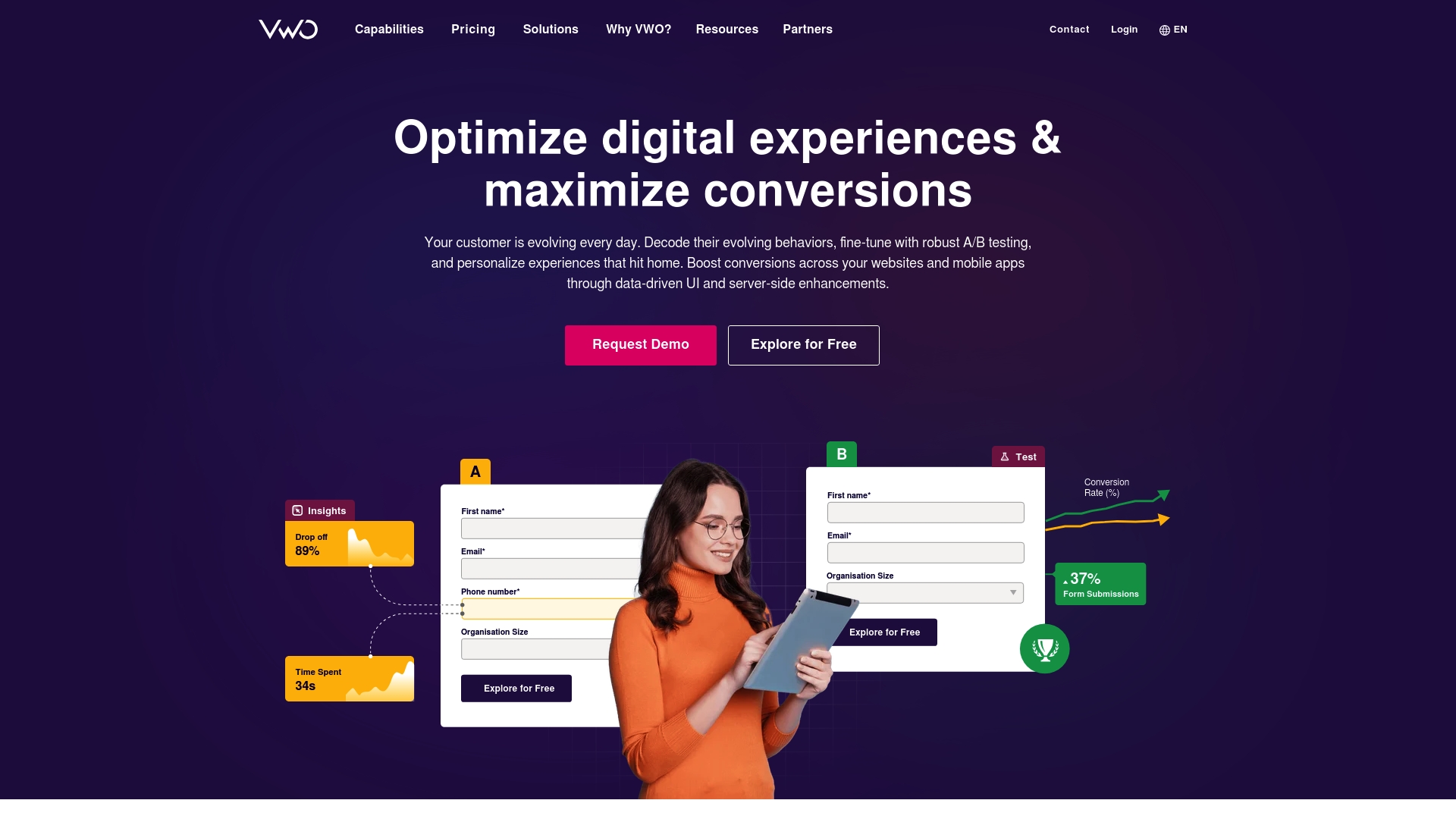
VWO is an enterprise-grade experimentation platform built to run A/B tests, personalization, and behavioral analysis across web and mobile. It combines quantitative and qualitative tools—like multivariate testing, heatmaps, and session recordings—so you can both measure and understand why visitors act the way they do. Bottom line: VWO suits teams that need a full-stack optimization solution with strong performance, security, and support.
Core Features
VWO’s toolkit covers A/B testing, split URL testing, multivariate tests, and multi-arm bandit testing plus personalization rules that target by geo, device, browser, custom attributes, or behavior. It layers qualitative tools—heatmaps, session recordings, surveys, and form analytics—on top of experimentation so you can turn signals into hypotheses and validate them in the same platform. The platform emphasizes fast load times via optimized SDKs and CDN delivery, and it’s built with enterprise security and privacy in mind.
Pros
- Comprehensive experimentation suite: VWO combines classic A/B testing, multivariate options, and bandit testing so you can choose the right method for campaign goals.
- Integrated qualitative insights: Heatmaps, recordings, and surveys live alongside tests, making it easier to diagnose friction and iterate quickly.
- Performance-minded architecture: Optimized SDKs and CDN technology minimize latency, helping tests run without slowing down the user experience.
- Enterprise security and privacy: The platform’s emphasis on data privacy and scale makes it a reliable choice for organizations with strict compliance needs.
- Accessible UI and documentation: A user-friendly interface and strong support resources reduce ramp-up time for non-technical teammates.
Cons
- Pricing transparency is limited: Pricing is available only upon request, which can make cost comparison and budgeting difficult for smaller businesses.
- Advanced features may cost extra: Some integrations and higher-end capabilities may sit behind add-ons or premium plans, increasing total cost as you scale.
- Technical learning curve for power users: Advanced targeting and complex testing configurations require time and experience to master.
Who It’s For
VWO is best for medium to large businesses and enterprise teams that need a scalable, secure experimentation and personalization platform. If your organization runs frequent tests, segments users finely, or requires compliance-ready tooling, VWO will meet those needs. If you’re a solo operator or tiny startup on a tight budget, the sales-driven pricing model may feel opaque.
Unique Value Proposition
VWO’s strength is its end-to-end approach: you get experimentation, personalization, and qualitative research in one place, backed by fast delivery and enterprise-grade governance. That combination helps teams move from insight to validated change without stitching together multiple vendors.
Real World Use Case
A retail website uses VWO to A/B test product page layouts, apply segment-specific personalization, analyze heatmaps to pinpoint engagement drops, and collect targeted survey feedback—then iterates designs based on combined behavioral and qualitative evidence to raise conversion rates.
Pricing
Pricing is customized and available upon request; plans are tailored by visitor volume, required features, and deployment scale.
Website: https://vwo.com
Unbounce
At a Glance
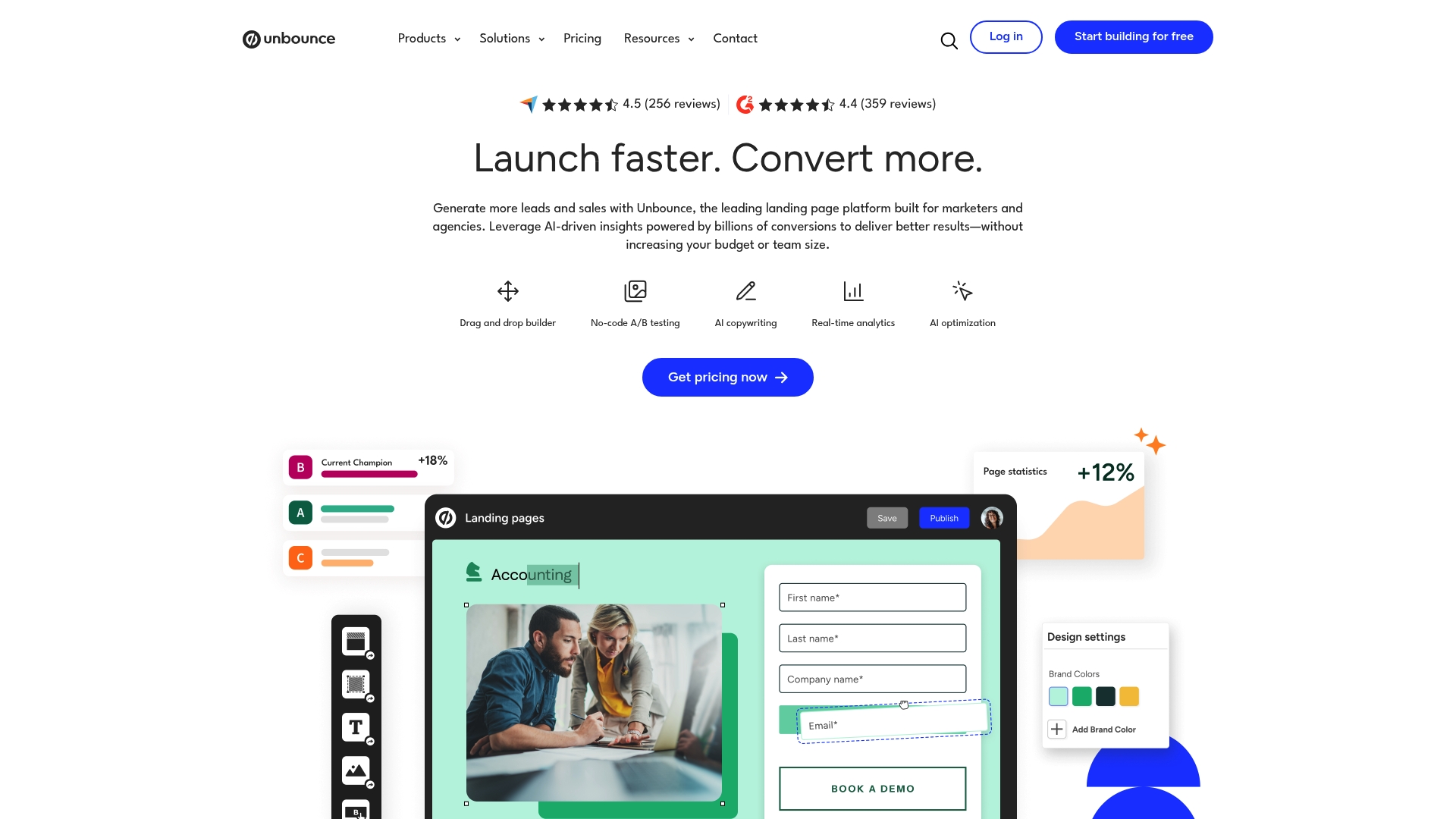
Unbounce is a landing page platform built for marketers and agencies who need a no-code, AI-powered way to create, test, and optimize high-converting landing pages. It combines a drag-and-drop builder with AI insights, A/B testing, and extensive integrations to streamline campaign execution. For teams running frequent campaigns, Unbounce reduces friction and speeds iteration — though smaller businesses should weigh the cost. Worth considering if you value speed, experimentation, and direct integration with your marketing stack.
Core Features
Unbounce centers on a no-code drag-and-drop landing page builder and templates designed for high conversions, paired with AI-powered insights and Smart Traffic for automatic visitor routing. It includes A/B testing tools, dynamic text replacement for personalized messaging, custom code and styling options for advanced tweaks, and real-time analytics and reporting to track performance. The platform also offers seamless integrations with marketing platforms like Salesforce, HubSpot, and Zapier, letting you connect landing pages to your automation and CRM workflows.
Pros
- Easy to use with no coding required: The visual builder and prebuilt templates let marketers launch pages quickly without developer support.
- AI-driven optimization for better results: Smart Traffic and AI insights help route visitors to the best-performing variants and suggest optimizations.
- Wide range of customizable templates: Templates are designed to reduce setup time while allowing brand and messaging adjustments.
- Seamless integrations with popular marketing tools: Native connections to platforms such as Salesforce, HubSpot, and Zapier simplify lead routing and campaign automation.
- Supports unlimited landing pages and variations: The platform accommodates high-volume campaign needs and extensive testing without page caps.
Cons
- Availability may vary by location: Some features or support levels could differ depending on where you operate, which may affect rollout plans.
- Pricing may be high for small businesses or solo marketers: The published plan tiers are positioned for teams and agencies, making cost a consideration for lean budgets.
- Requires credit card info for the free trial: Prospective users must provide payment details up front to test the platform.
Who It’s For
Unbounce is ideal for marketers and agencies looking for a no-code, AI-powered platform to create, test, and optimize landing pages to increase conversions. If you run repeatable campaign funnels, need rapid A/B testing, or require integrations with your CRM and automation tools, Unbounce fits teams that prioritize speed of execution, experimentation, and measurable improvements in lead generation.
Unique Value Proposition
Unbounce uniquely combines an intuitive, no-code landing page builder with AI-driven optimization and marketing-grade integrations, enabling teams to iterate quickly and route traffic to the best-performing page variants. In short: it’s a conversion-first page platform built to reduce manual testing overhead and connect directly to your advertising and automation stack.
Real World Use Case
A SaaS company uses Unbounce to create personalized landing pages for different customer segments, running A/B tests to determine the most effective messaging, and using AI insights to further optimize their campaigns, resulting in increased lead generation and sales.
Pricing
Build plan: $74/month or $99/month billed annually; Experiment plan: $112/month or $149/month billed annually; Optimize plan: $187/month or $249/month billed annually. Agency plans and custom pricing are available.
Website: https://unbounce.com
Instapage
At a Glance
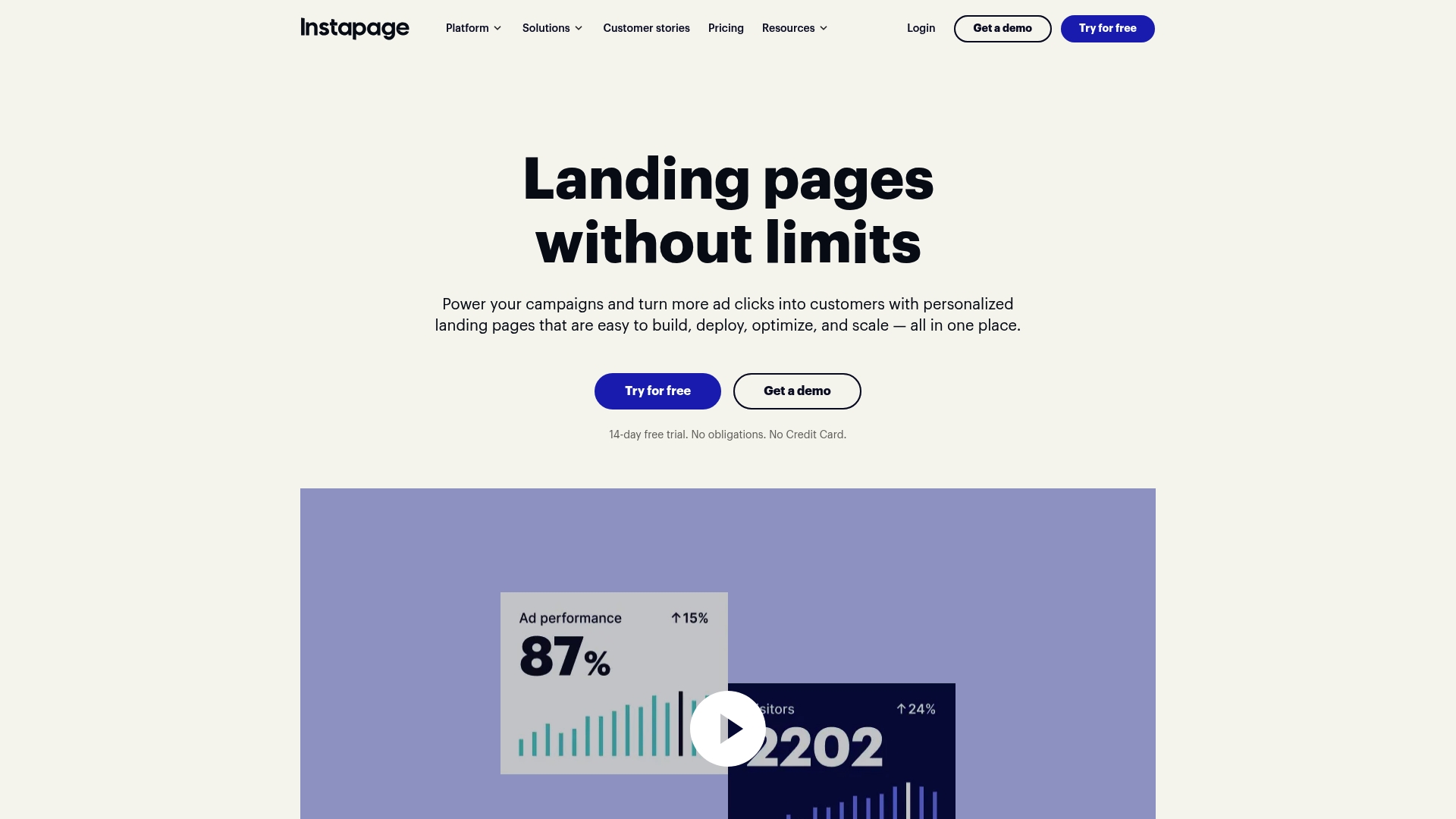
Instapage is a focused landing page platform built to help teams create, test, and optimize pages that convert. It combines an intuitive drag-and-drop builder with AI content generation, experimentation tools, and personalization to improve ad performance and lead capture. For businesses that run paid campaigns and need repeatable, scalable landing pages, Instapage delivers robust capabilities with enterprise-grade controls. Pricing and advanced-feature gating are the main trade-offs to consider.
Core Features
Instapage centers on five core capabilities: a drag-and-drop landing page builder, AI-powered content generation for headlines and copy variants, A/B testing and experimentation, audience personalization for targeted experiences, and global content blocks plus templates to scale production across campaigns. These features integrate with marketing and CRM systems to funnel leads into existing workflows, while security and compliance measures support business and agency use. The platform is engineered to move from idea to live page quickly, then iterate based on measured test results.
Pros
- User-friendly drag-and-drop interface: The builder lets marketers and designers create pages without developer resources, speeding up campaign launches.
- Robust experimentation and personalization: Built-in A/B testing and targeted personalization let you validate messaging and tailor experiences to audience segments.
- Seamless integrations with marketing and CRM tools: Instapage connects into marketing stacks so leads flow directly into nurturing and reporting systems.
- Scalable solutions with global blocks and templates: Global blocks and template libraries make it practical to produce consistent pages across multiple campaigns or regions.
- Strong security and compliance measures: The platform includes controls that help teams meet organizational security and data handling requirements.
Cons
- Pricing may be high for small businesses or individual users: Entry-level plans start at $79/month, which can be steep for one-person shops or tight-budget projects.
- Complex features may have a learning curve for new users: Advanced experimentation and personalization take time to master, especially for teams new to CRO workflows.
- Some advanced features require higher-tier plans: Key optimization capabilities are gated behind the Optimize and custom enterprise tiers, forcing upgrades for full functionality.
Think scale, not shortcuts.
Who It’s For
Instapage is best suited to marketing teams, agencies, SaaS companies, and businesses that run frequent paid campaigns and need repeatable landing page production. If you manage multiple clients or markets and require templated consistency plus experimentation, this platform fits. Small businesses can benefit too, but should weigh cost against expected conversion lift.
Unique Value Proposition
Instapage’s unique value is its combination of rapid page creation, AI-assisted content variants, and built-in experimentation paired with scaling tools like global blocks. That mix lets teams move from hypothesis to tested landing page faster, while keeping brand consistency across campaigns.
Real World Use Case
A digital marketing agency uses Instapage to deploy personalized landing pages for multiple clients, run A/B tests to improve conversion rates, and feed leads into client CRMs for automated nurturing—shortening time-to-insight and improving campaign ROI.
Pricing
Plans start at $79/month for the Create plan, with the Optimize plan at $159/month and the Convert plan available via custom pricing for enterprise and high-usage needs.
Website: https://instapage.com
Convert
At a Glance
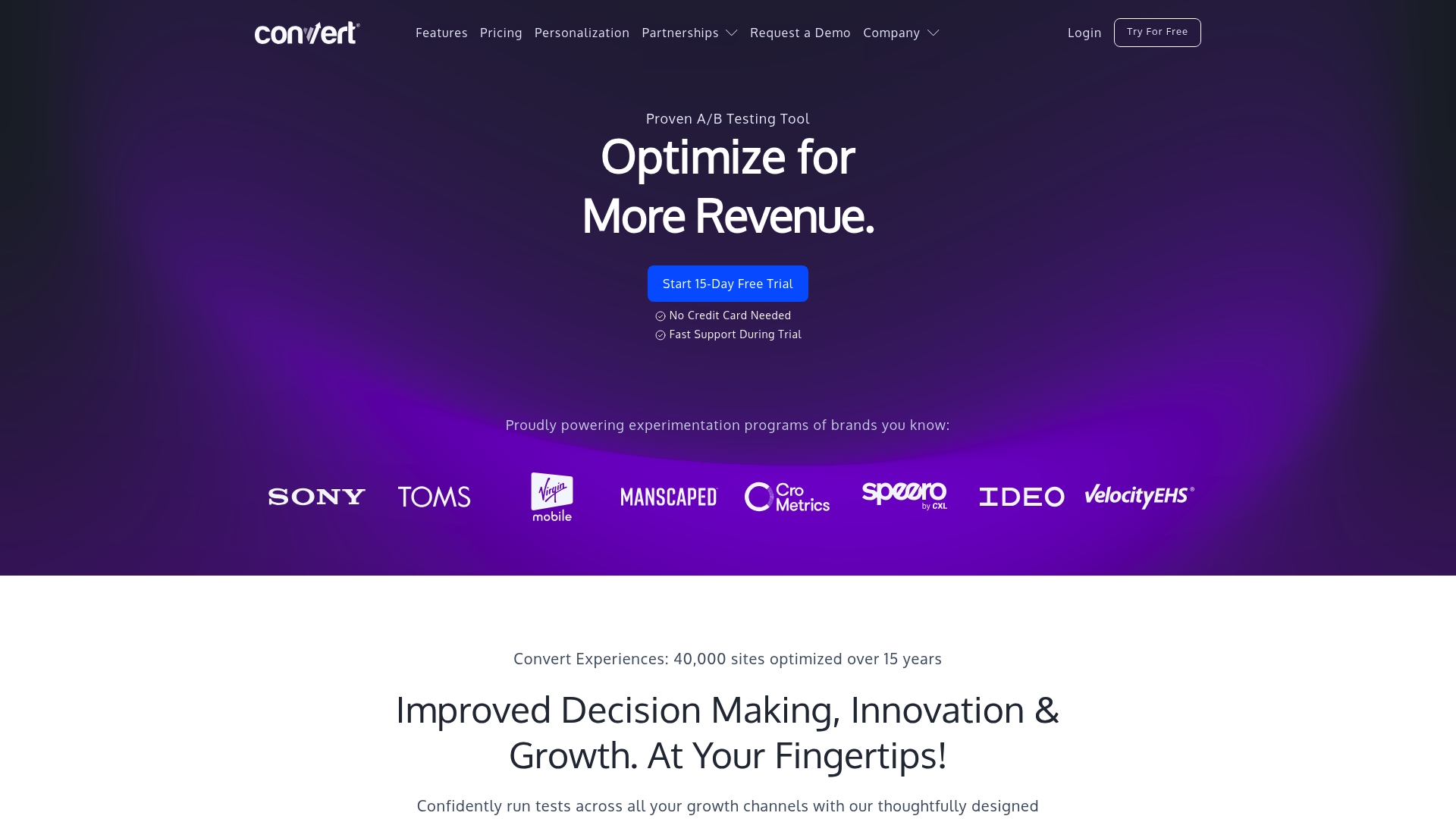
Convert is a privacy-focused A/B testing platform built for businesses that need accurate experiments at scale. It emphasizes flicker-free tests, first-party cookie compliance, and fast snippet performance to protect data and user experience. Organizations get a 15-day free trial without a credit card, robust onboarding, and support that the vendor advertises as markedly faster than competitors. Bottom line: Convert is a dependable choice when privacy, speed, and high-traffic reliability matter.
Core Features
Convert combines client-side and full-stack experimentation tools with feature flags and staged rollouts, enabling both frontend and backend tests. Its SmartInsert™ technology reduces flicker, while first-party cookie usage improves privacy and GDPR compliance. The platform supports A/B, split URL, multivariate, and multipage experiments, and provides 40+ targeting filters—behavioral, geotargeting, device, traffic source, and time-based rules—plus API access for custom experiments and integrations. Additional capabilities include role-based permissions, Single Sign-On, real-time analytics, data export, collision prevention, versioning, and a CDN-backed infrastructure designed for high-traffic sites.
Pros
- Fast support with 4x faster response times, which helps teams resolve experiment issues quickly.
- Strong privacy and GDPR compliance through first-party cookie usage, reducing reliance on third-party trackers.
- Intuitive UI with new features regularly added, making it easier for teams to adopt and iterate.
- Affordable pricing with transparent plans, giving predictable costs for Growth-level users.
- Supports complex and high-traffic experiments, backed by a robust CDN infrastructure to maintain performance.
Cons
- The platform’s complex feature set may have a learning curve for beginners, requiring time and training to master.
- Enterprise features and custom plans may require direct contact for pricing, which can slow procurement for some teams.
- Some advanced options carry additional costs or require add-ons, increasing the total cost for fully featured deployments.
Who It’s For
Convert is aimed at businesses and marketers who need a reliable, privacy-compliant A/B testing solution with advanced targeting and full-stack capabilities. It fits teams running ecommerce, SaaS, or lead-generation sites that expect high traffic and require granular experiment control, role-based governance, and enterprise-grade performance. If you value privacy-first testing and dedicated onboarding support, Convert is well suited to your needs.
Unique Value Proposition
Convert’s standout strengths are its privacy-centric architecture and flicker-free SmartInsert™ approach combined with full-stack experimentation and feature flagging. That mix lets teams run rigorous tests without sacrificing user experience or regulatory compliance, while the onboarding and faster support cadence reduces time-to-insight.
Real World Use Case
Hivelocity used Convert to scale its conversion rate optimization program, improving customer understanding and targeting. The implementation reportedly delivered a 10x return on investment and meaningful revenue growth, illustrating how a privacy-aware, high-traffic-ready testing platform can move the needle for CRO programs.
Pricing
Plans start at $399 per month for the Growth plan, with custom enterprise options available. A 15-day free trial is available without requiring a credit card, allowing teams to evaluate the platform before committing.
Website: https://convert.com
Google Marketing Platform
At a Glance
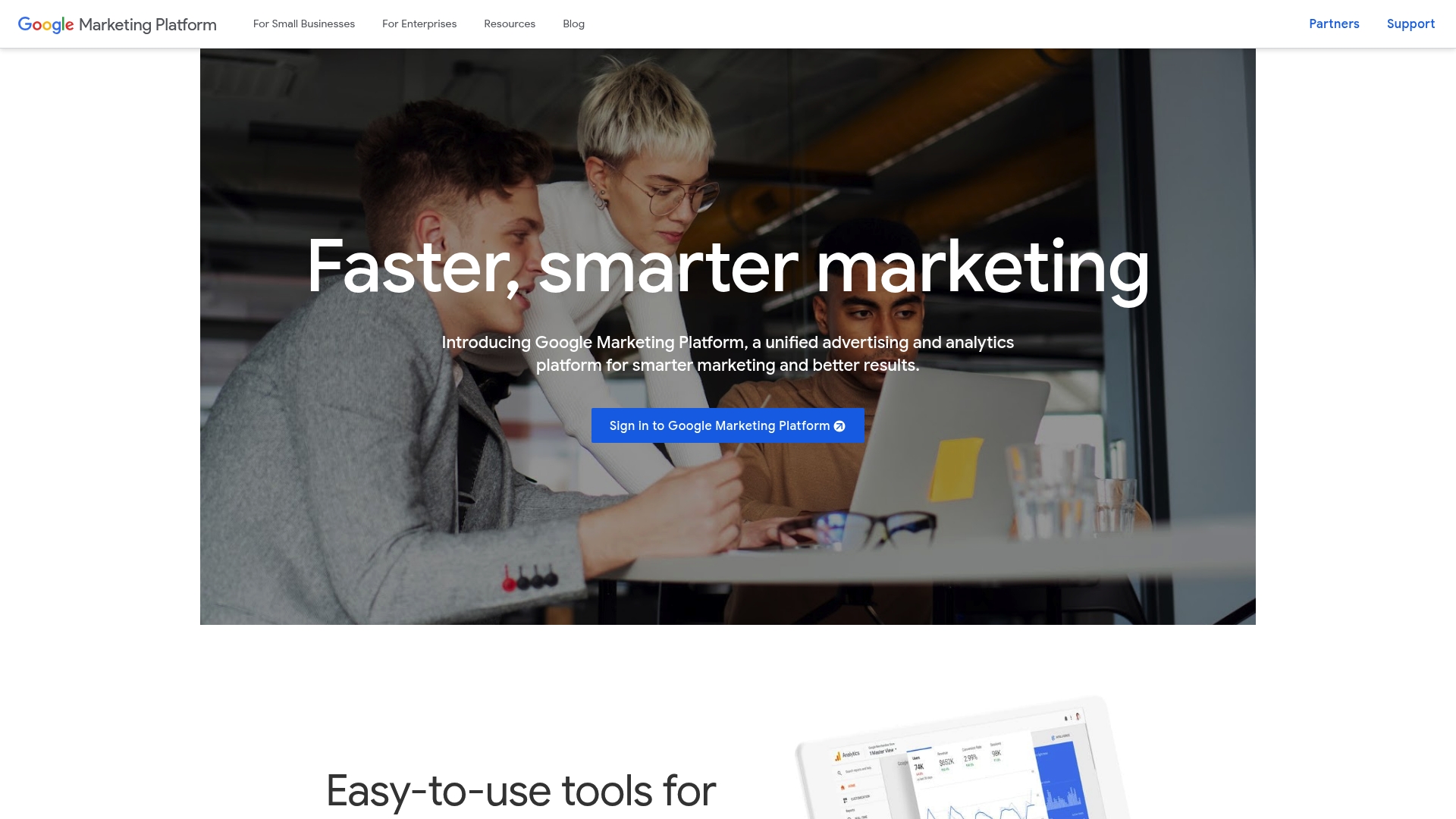
Google Marketing Platform is a unified advertising and analytics suite built to help marketers execute smarter campaigns and measure outcomes in one environment. It combines tools for small businesses and advanced solutions for enterprises, offering real-time data and tag management without editing code. Powerful and comprehensive. Not the easiest for absolute beginners.
Core Features
Google Marketing Platform bundles advertising and analytics capabilities into a single environment. The platform includes Tag Manager for managing tags without code changes, Campaign Manager 360 for campaign overview and management, Display & Video 360 for audience targeting and engagement, and Search Ads 360 for real-time search campaign data and insights. It supports small-business analytics and testing while scaling to enterprise needs with customer insights and real-time campaign management.
Pros
- Comprehensive suite in one place: The platform brings analytics and advertising tools together so you can connect measurement and execution without stitching multiple products manually.
- Scales across business sizes: It supports small-business tools and enterprise-grade solutions, making it adaptable as your needs grow.
- Real-time insights for faster decisions: Built-in real-time data helps you optimize campaigns and respond to performance changes quickly.
- Tight integration with Google products: Native integration with other Google services simplifies workflows for teams already using the Google ecosystem.
- Support and partner resources: Google offers documentation and partner networks that help teams implement and troubleshoot the platform.
Cons
- Complexity for newcomers: The breadth of features can be overwhelming for new users, which may lengthen onboarding and training time.
- Pricing transparency is limited: Pricing details are not specified in the provided content, which makes budgeting and cost comparisons difficult before a deeper sales conversation.
- Potential ecosystem lock-in: Heavy reliance on the Google ecosystem could limit flexibility if you want to adopt third-party tools outside Google’s stack.
Who It’s For
Google Marketing Platform is best suited for marketing professionals and organizations that need a unified solution for digital advertising and analytics. If you manage multiple channels, require real-time campaign optimization, or plan to scale from small-business testing to enterprise-level insights, this platform will match your needs. Expect to allocate time for setup and training if your team is new to enterprise marketing stacks.
Unique Value Proposition
The platform’s key value is integration: it unites tagging, analytics, campaign management, and channel-specific tools under one roof so you can move faster from insight to action. For teams already invested in Google products, that tight integration reduces friction and centralizes campaign control and measurement.
Real World Use Case
Deckers Brands uses Google Marketing Platform alongside Google Cloud to drive growth through integrated campaigns and data-driven insights. In practice, teams combine Tag Manager, Campaign Manager 360, and channel-specific tools to coordinate cross-channel campaigns and optimize performance in near real time.
Pricing
Not specified in the provided content.
Website: https://marketingplatform.google.com
Marketing Tools Comparison
This comprehensive table provides a comparison of various marketing tools, focusing on their features, pros, cons, pricing, and usability. It helps readers make informed decisions by highlighting key differences and value propositions.
| Product | Key Features | Pros | Cons | Pricing |
|---|---|---|---|---|
| Click Thrive | Google Ads management, end-to-end campaign services, SEO, and Facebook Ads | Extensive ad spend experience, awards for excellence, custom strategies | Pricing details not specified, strong focus on Google Ads | Free Google Ads audit, pricing based on strategy |
| Optimizely | All-in-one platform for experimentation, personalization, AI-driven insights | AI-powered personalization, robust analytics, seamless integrations | Pricing not listed, complex for new users | Request pricing |
| VWO | Full-stack A/B testing, multivariate tests, heatmaps, session recordings | Comprehensive suite, integrated insights, strong performance | Pricing transparency limited, technical learning curve | Customized on request |
| Unbounce | No-code landing page builder, AI insights, A/B testing, Smart Traffic | Easy to use, AI-driven optimization, extensive integrations | Pricing may be high for small businesses, requires credit card for trial | Build: $74/month; Experiment: $112/month |
| Instapage | Landing page builder, AI content generation, audience personalization, global content blocks | User-friendly, robust experimentation, seamless integrations | Higher cost for small businesses, learning curve for complex features | Starts at $79/month |
| Convert | Client-side & full-stack experimentation, SmartInsert™, GDPR compliance | Fast support, strong privacy features, intuitive UI | Complex for beginners, enterprise features require direct contact for pricing | Growth plan starts at $399/month |
| Google Marketing | Unified advertising & analytics tools, Tag Manager, Campaign Manager 360 | Comprehensive suite, real-time insights, integration with Google ecosystem | Complexity for newcomers, potential ecosystem lock-in | Not specified |
Master Conversion Rate Optimization With Proven Digital Marketing Expertise
Conversion Rate Optimization tools are essential for teams focused on turning website visitors into valuable leads. If you find yourself challenged by complex experimentation platforms or overwhelmed by integrating testing, personalization, and analytics, this article highlights the critical need for tools that deliver clear, measurable improvements. Businesses striving to boost conversion rates, reduce wasted ad spend, and sharpen paid search performance require not just technology but strategic guidance aligned with proven results.
At Click Thrive Marketing, we understand these pain points deeply. Our agency specializes in Google Ads management and lead generation, managing over $30 million in ad spend with a strong focus on campaign optimization and customer engagement. We tailor strategies that connect paid search campaigns to conversion-focused landing pages and accurate tracking, ensuring every dollar you invest drives real business growth. Explore how our approach complements the top CRO tools discussed by visiting our Uncategorized Archives and learn how to integrate expert-led optimization with cutting-edge experimentation.
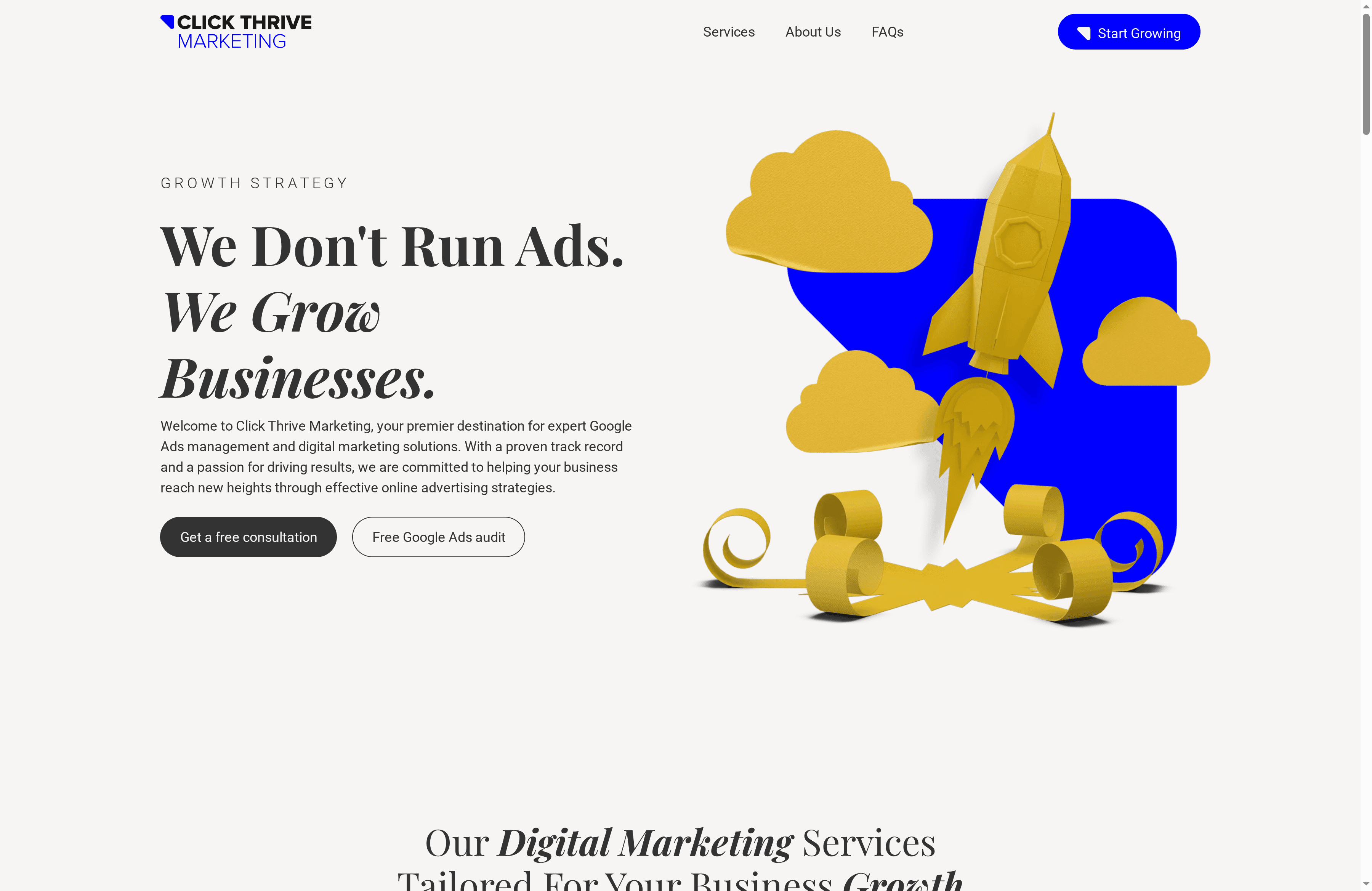
Ready to translate your visitor traffic into measurable leads and maximize ROI? Don’t just use tools, use them effectively with Click Thrive Marketing’s data-driven expertise. Visit Click Thrive Marketing now to schedule your free Google Ads audit and start scaling your business with confidence.
Frequently Asked Questions
What are the essential features to look for in a conversion rate optimization tool?
When choosing a conversion rate optimization tool, prioritize features such as A/B testing capabilities, user analytics, heatmaps, and integration options. These functionalities will help you understand user behavior and test changes effectively to improve conversion rates.
How can I measure the effectiveness of a conversion rate optimization tool?
To measure a conversion rate optimization tool’s effectiveness, monitor key performance indicators like conversion rate percentage, average session duration, and bounce rate. Implement these metrics before and after using the tool to gauge its impact, aiming for a conversion rate increase of at least 20% within 30 days.
What is A/B testing and why is it important for conversion rate optimization?
A/B testing involves comparing two versions of a webpage or app to see which one performs better based on user engagement and conversion rates. Conduct A/B tests regularly to identify effective design changes and content variations that can enhance user experience and improve conversion rates.
How often should I run tests with a conversion rate optimization tool?
Ideally, run tests on a regular basis—such as monthly or quarterly—to continually improve your conversion rates. Set a schedule to review results, analyze user feedback, and implement successful changes to maintain momentum and enhance customer engagement over time.
Can conversion rate optimization tools help with customer segmentation?
Yes, many conversion rate optimization tools offer customer segmentation features that allow you to tailor experiences based on user demographics, behavior, and preferences. Utilize these features to create personalized marketing campaigns that can lead to higher conversion rates and more effective customer outreach.
What steps should I take to get started with conversion rate optimization tools?
To start using conversion rate optimization tools, first define your objectives and the metrics you want to improve. Next, select a tool that fits your needs, establish a baseline of current performance, and begin running tests to make data-driven changes aimed at enhancing your conversions.
Recommended
- Conversion Rate Improvement Process for Higher Online ROI – Click Thrive Marketing
- Master Conversion Rate Optimization Workflow for Higher Leads – Click Thrive Marketing
- 7 Proven Conversion Rate Optimization Tips for Small Businesses – Click Thrive Marketing
- How to Generate Leads for Small Businesses Online – Click Thrive Marketing